Tools of the Trade / QuickConvert
Free Mac app · v1.0Less converting. More creating.
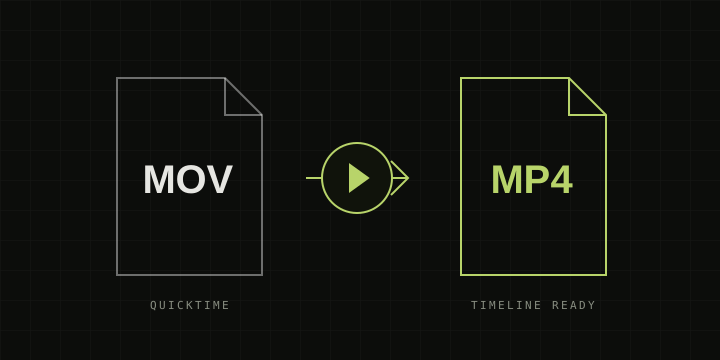
MOV in.
MP4 out.
Get your QuickTime files ready for your timeline. Drop them in, convert, and get back to Premiere Pro.
Download for MacApple silicon (M1 or newer) · macOS 14+
Requires FFmpeg installed separately. Before you start
Video
H.264
Audio
AAC
Your videos stay on your Mac.
/01
Drop your files
Open the Mac app and drop in one MOV or a whole batch.
/02
Convert to MP4
Choose where to save. QuickConvert handles the format.
/03
Get back to editing
Click Show to find your MP4s, then import them into Premiere Pro.
A small tool.
One less roadblock.
- Convert multiple MOV files in one queue.
- Copy compatible H.264 video for a faster conversion.
- Keep your originals and existing MP4s untouched.
- Choose an output folder or save beside each original.
Before you start
This is a downloadable Mac app. Unzip it and open QuickConvert.app to convert your files locally.
FFmpeg and ffprobe must already be installed in /opt/homebrew/bin or /usr/local/bin. This build is locally signed, not Apple-notarized.
For SDR footage. HDR files are detected and declined. Re-encoding is lossy; subtitles, transparency, and editing metadata such as timecode are not retained.
Read the app notes